
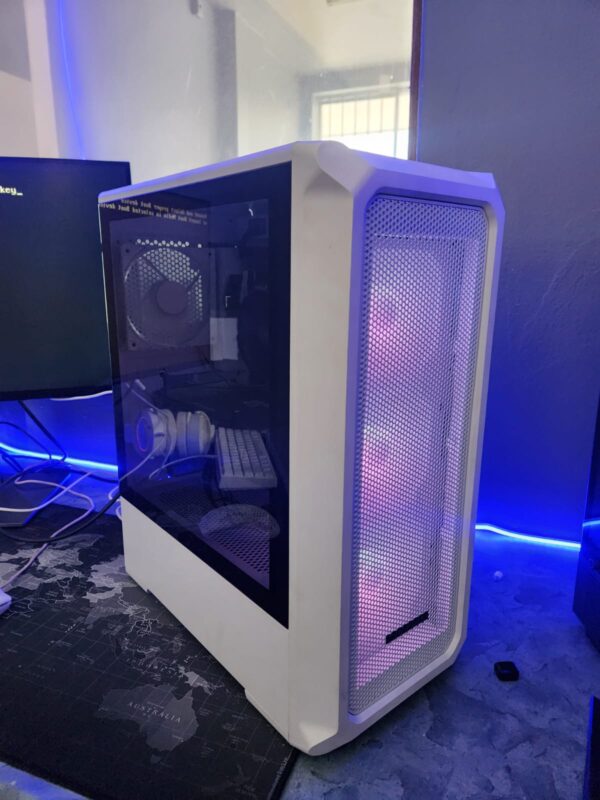
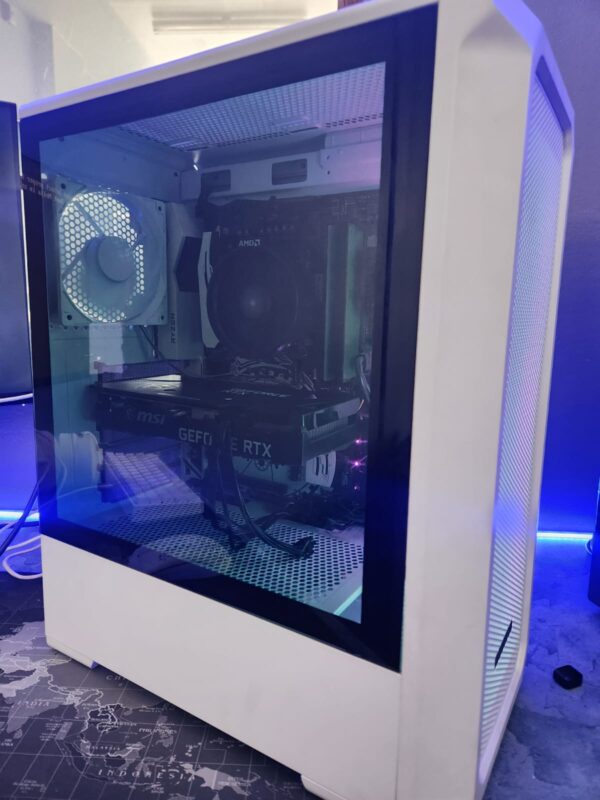
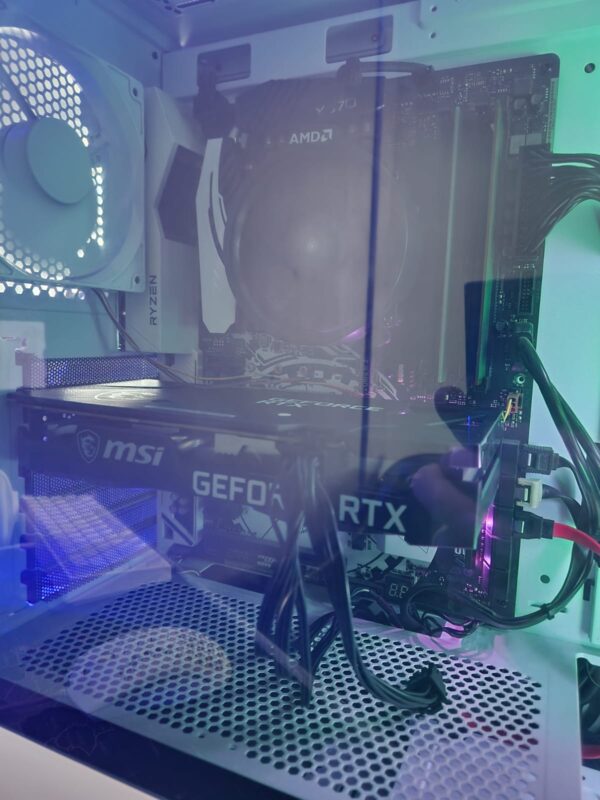
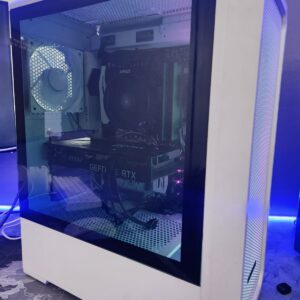
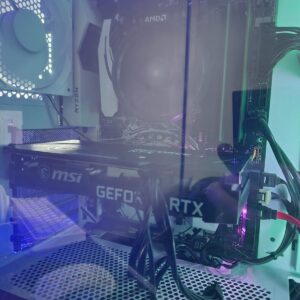
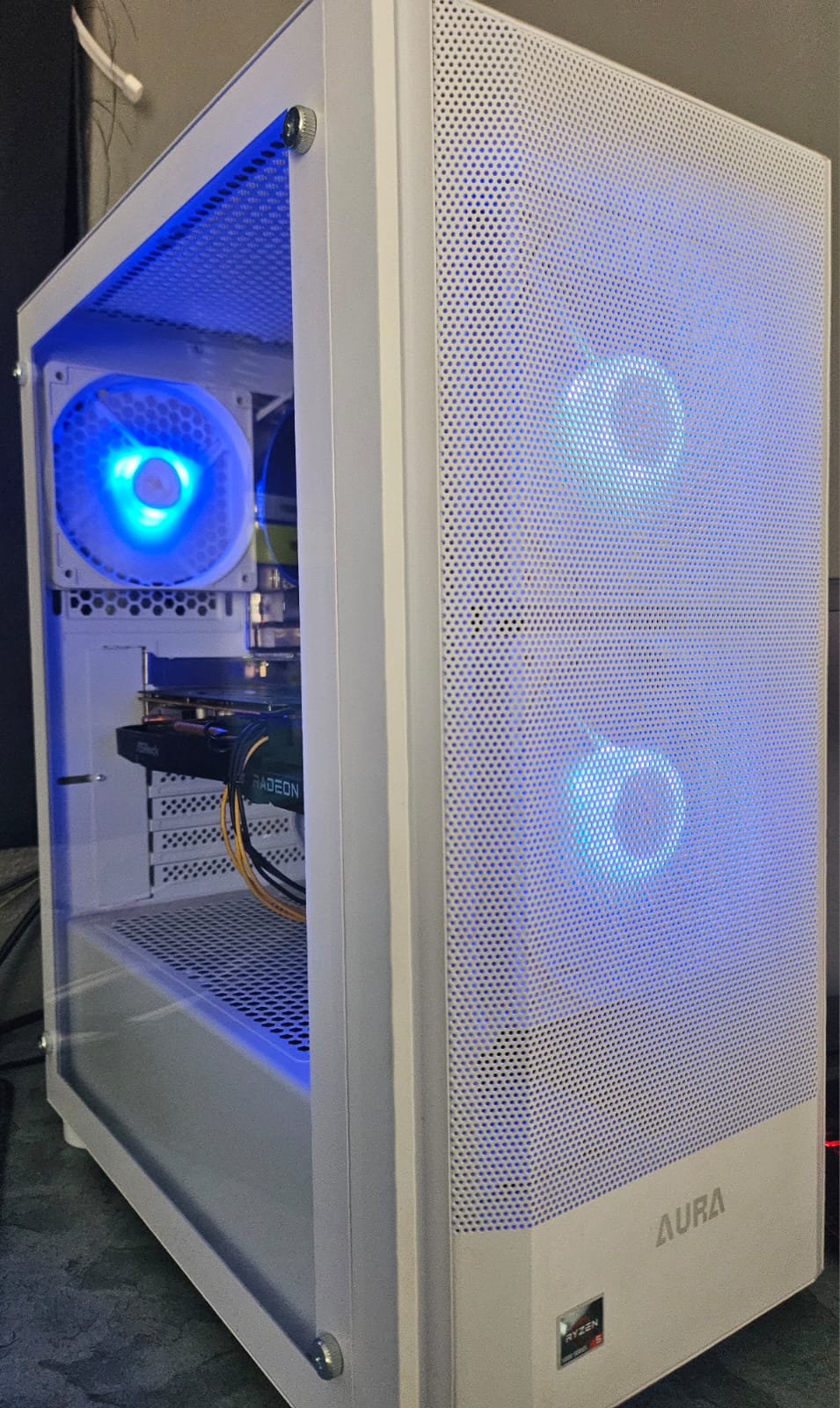
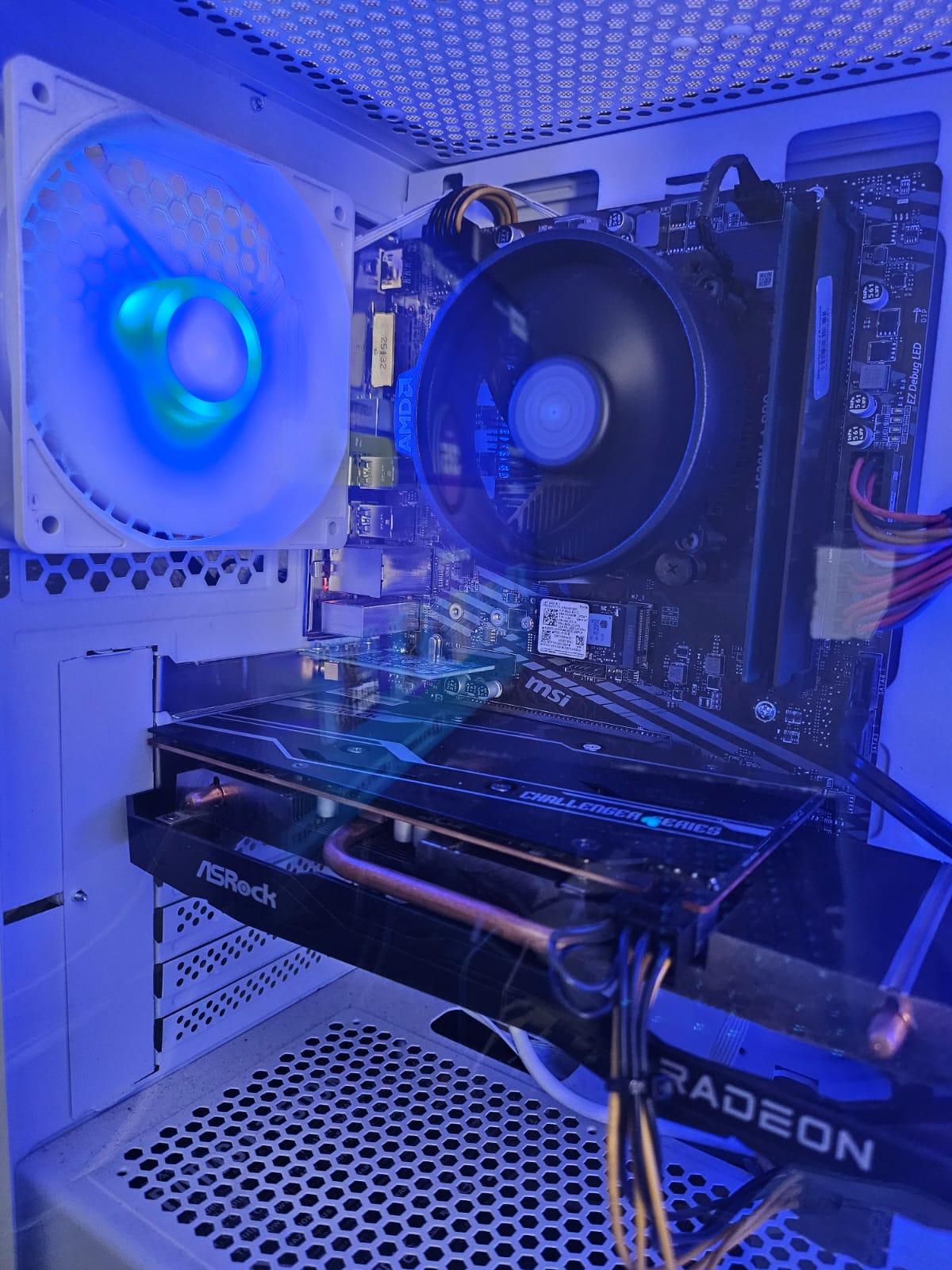
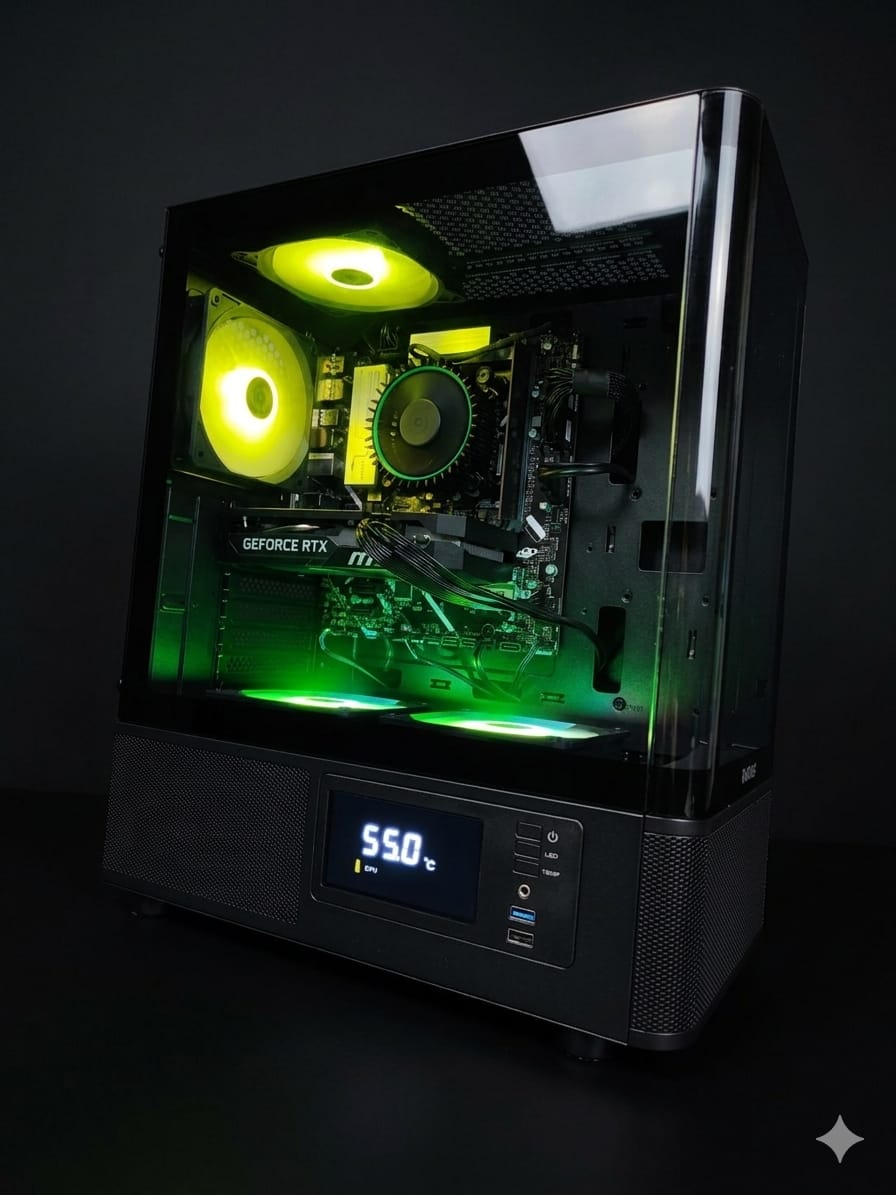
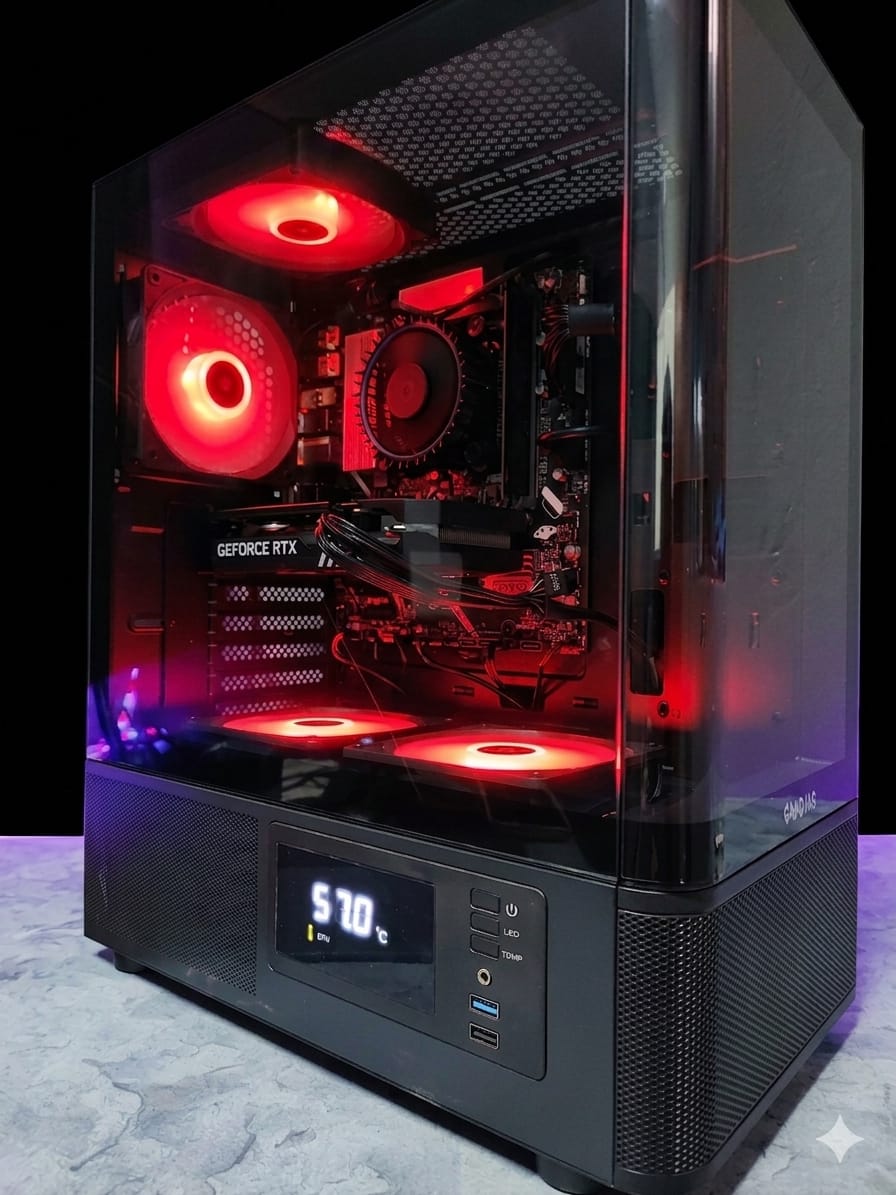
Refurbished Ryzen 5 5500 Gaming PC 16GB DDR4 Asrock X370 Taichi RTX 3060 Ti 512GB SSD 500 Watt PSU
R10000,00

- Order now and your order ships by Tue, Mar 12
Need Help? Chat with an Expert
- 123 4567 890
Money Back Guarantee
Secure Payment
Overview
Component Specifications & Features (New / Ideal Conditions)
First, here are the intended specs and features of each component, under “like new” conditions.
CPU: AMD Ryzen 5 5500
-
6 cores, 12 threads
-
Base ~3.6 GHz, boost up to ~4.2 GHz
-
65 W TDP
-
No integrated graphics (requires discrete GPU)
-
Supports DDR4, dual channel
-
Because it’s a newer generation (Zen 3), it offers quite good IPC (instructions per clock) for gaming and general workloads
Memory: 16 GB DDR4
-
Usually 2 × 8 GB modules, in dual-channel mode
-
The speed (e.g. 3000, 3200, etc.) and timings matter; better speed & tighter timings improve performance especially in games
-
16 GB is sufficient for many modern games and multitasking, though heavy workloads or future software might push toward 32 GB
Motherboard: ASRock X370 Taichi
This is an older, high-end X370 motherboard for AM4, originally designed for earlier Ryzen generations, but still usable after BIOS updates / compatibility. Some key features:
-
Socket: AM4
-
Chipset: X370
-
Memory: 4 DIMM slots, up to ~64 GB DDR4, supporting overclocked frequencies (depending on CPU and memory)
-
PCIe Slots:
-
Two PCIe 3.0 x16 slots (for GPU)
-
Additional PCIe 2.0 / x1 slots for expansion
-
-
Storage / M.2:
-
One “Ultra M.2” slot supporting PCIe 3.0 ×4 / SATA3
-
One additional M.2 slot (lower bandwidth, sharing lanes)
-
-
Power delivery & VRM:
-
A robust design: 16 power phases, digital PWM, quality components (MOSFETs, chokes, capacitors)
-
It is considered one of the stronger X370 boards in terms of VRM strength.
-
-
I/O & features:
-
Multiple SATA ports (≥10 total)
-
USB 3.1 (Type-A & Type-C) ports on rear I/O
-
Onboard WiFi (802.11ac + Bluetooth) on some variants (Taichi often includes this)
-
Good audio, etc.
-
-
Limitations:
-
Because the motherboard is older, some features of newer chipsets (PCIe 4.0, etc.) won’t be present.
-
You’ll likely need a BIOS update to support newer Ryzen CPUs (if it wasn’t already updated). The board’s original support was for early Ryzen families; newer CPUs may require flashing.
-
GPU: NVIDIA RTX 3060 Ti
-
~4,864 CUDA cores (depending on model)
-
8 GB GDDR6 memory
-
Support for ray tracing (RT cores), DLSS / Tensor cores
-
Power draw under load roughly ~180–220 W depending on vendor/overclock
-
Very capable in 1080p / 1440p settings for modern games
SSD: 512 GB NVMe SSD
-
Assuming modern SSD, speeds (sequential read/write) in the range ~2–3.5 GB/s, depending on drive and condition
-
Interface used will be PCIe 3.0 ×4 (since X370 / AM4 of that era support up to PCIe 3.0)
-
In real use, random I/O performance (4K read/write) often is more important than raw sequential speeds
PSU: 500 W (refurbished / used)
-
A 500 W PSU can handle a system of this class if it’s high quality and still in good condition
-
The GPU and CPU are the main power consumers; plus motherboard, drives, fans, accessories
-
In a refurbished system, PSU is one of the more failure-prone / degraded components, so quality matters a lot
What Changes / Risks in a Refurbished Build
Because it’s refurbished / used, there are additional factors to consider. These affect reliability, performance headroom, and risk of failure.
Component Wear & Degradation
-
Cooling / thermal paste — The thermal interface between CPU cooler / heatsink and the CPU or GPU may have degraded (dried-out paste), reducing cooling efficiency. Radiators, heatsinks, fans may contain dust, clogging, worn bearings.
-
PSU degradation — Capacitors in PSUs age, especially under high heat and load. A reused PSU may no longer provide stable voltage under peak loads.
-
SSD wear — The SSD has a finite number of write cycles (TBW). A used SSD already has some wear; check SMART data (percentage used, reallocated sectors, etc.).
-
Motherboard wear — Socket pins, DIMM slots, PCIe slots might have mechanical wear or slight damage from prior installations. Capacitors and VRMs may have experienced thermal stress over time.
-
GPU wear — The GPU may have been run hard, with high temperatures, possibly overclocked in prior use. Fan bearings or thermal pads may have aged or become less effective.
-
Firmware / BIOS state — The board’s BIOS version may be outdated; compatibility with the Ryzen 5 5500 (or CPU family) might require updating. Some updates require a compatible older CPU to flash.
Compatibility / Limitations
-
The X370 Taichi is an older board; to support newer Ryzen 5 5500 (a newer generation), you might need a BIOS that includes microcode / support for that CPU. If the BIOS hasn’t been updated, the system may not boot until updated.
-
The board supports PCIe 3.0; you won’t get PCIe 4.0 or beyond, so newer GPUs or SSDs won’t see maximum theoretical throughput.
-
The 500 W PSU is just on the margin for this system; any inefficiencies, aging, or spikes may push it too close to its limit.
Expected Performance & Use-Case (Assuming It’s in Good Condition)
Assuming the refurbisher did a proper job (component testing, cleaning, thermal paste refresh, etc.), here’s what performance you might expect:
| Use Case | What to Expect |
|---|---|
| 1080p Gaming (High/Ultra) | Excellent. Most modern titles can run in high/ultra with good frame rates (≥ 100 FPS in many non-extreme settings). |
| 1440p Gaming | Strong. Many games will require some settings tuning, but you should be able to achieve good frame rates, especially with DLSS or lower ray tracing settings. |
| 4K Gaming | More limited. You’ll likely need to lower settings; the GPU is not best-suited for high settings at 4K. |
| Content creation / editing / rendering | Decent. 6 cores helps in many tasks; for moderate video editing, 3D tasks, etc. For very heavy rendering, multiple cores or higher-end CPUs might pull ahead. |
| Multitasking, productivity | Smooth. 16 GB RAM is okay (but not huge margin). You’ll be able to run web, development, creative apps. |
| Longevity | Because it’s used, life expectancy might be somewhat reduced compared to brand-new system, especially for PSU / GPU. But with good maintenance and moderate use, it could still last several years |


Reviews
There are no reviews yet.