
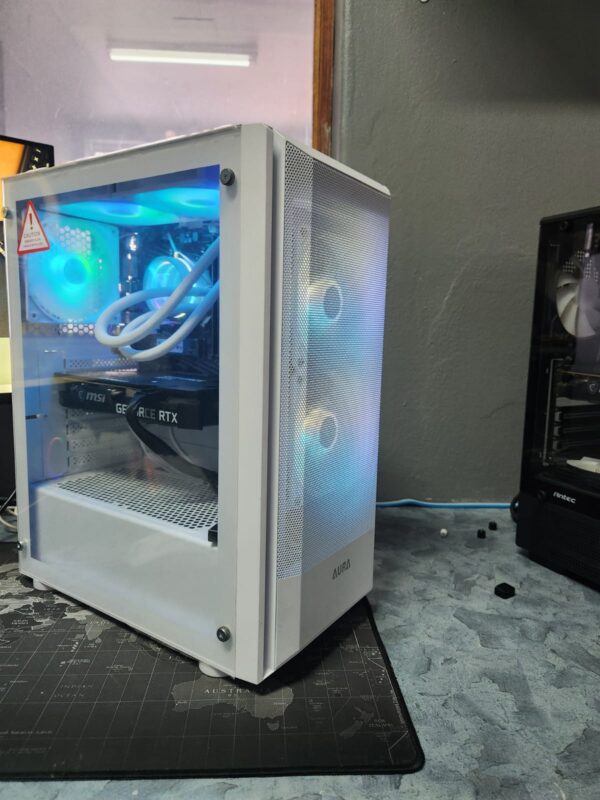
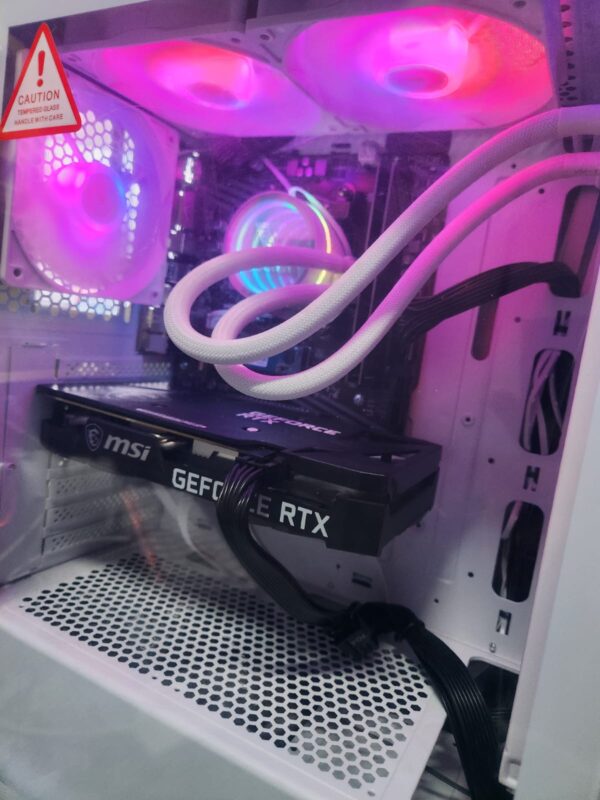
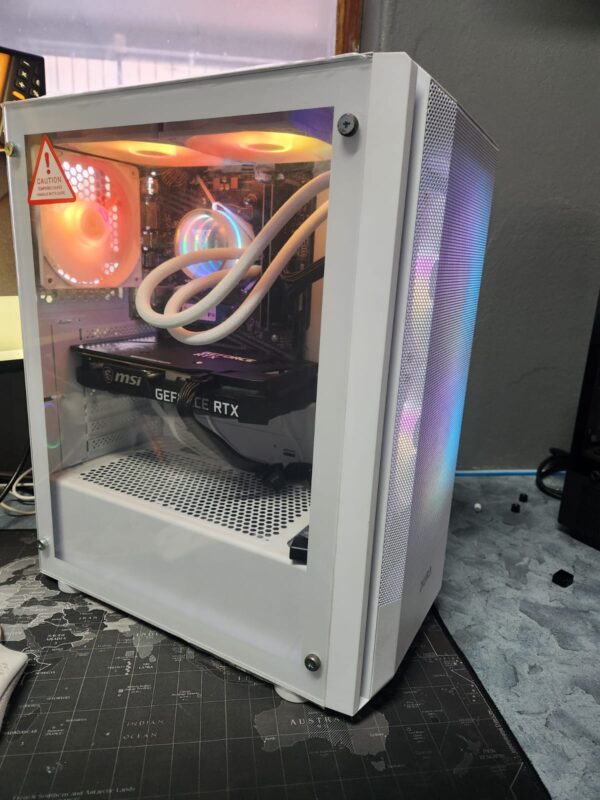
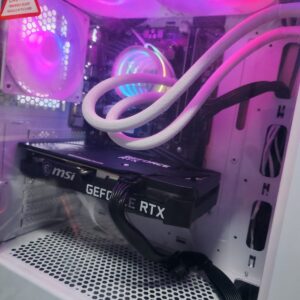
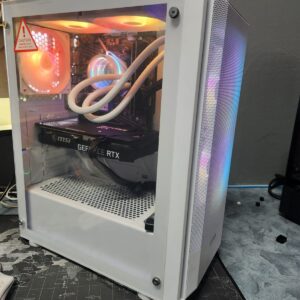

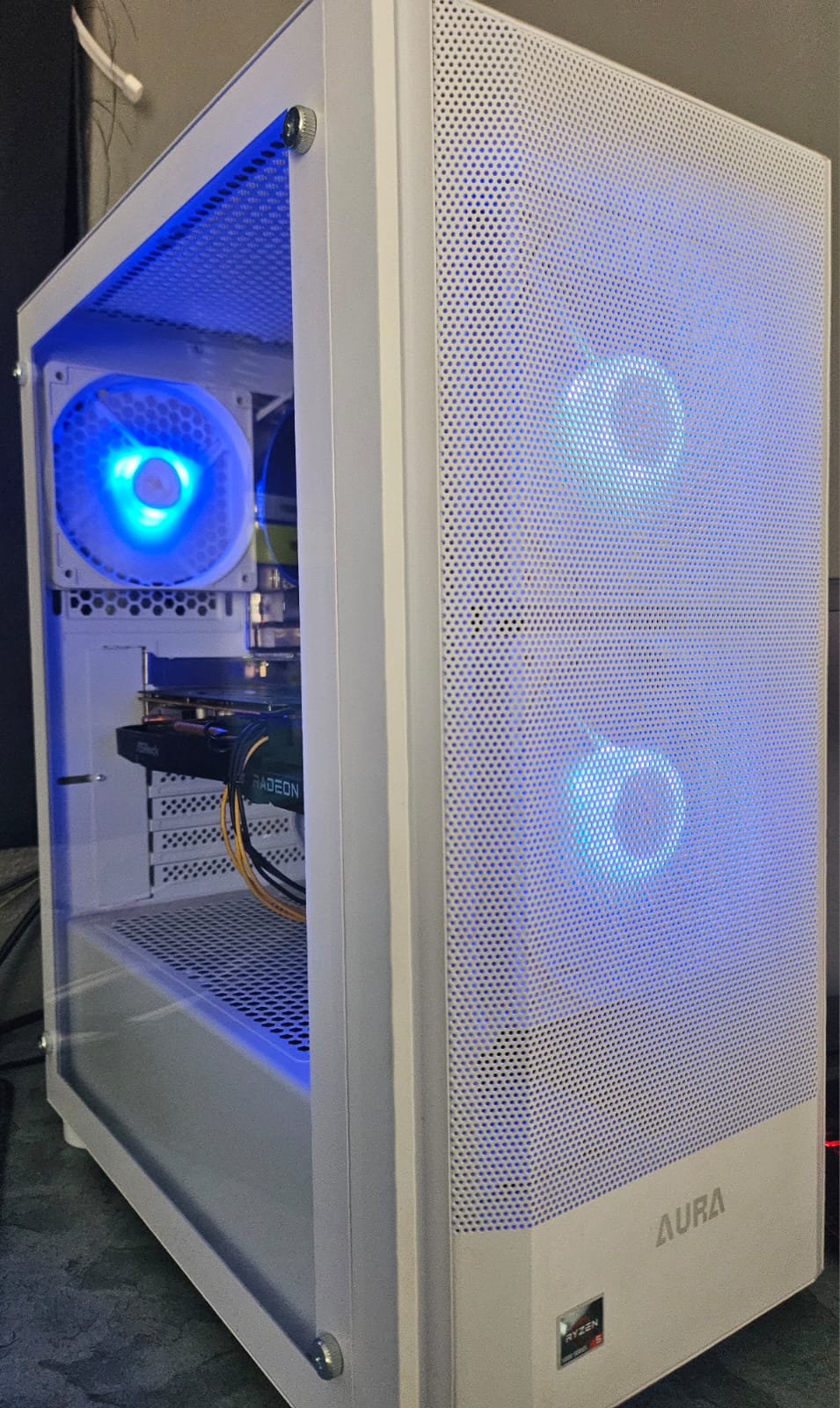
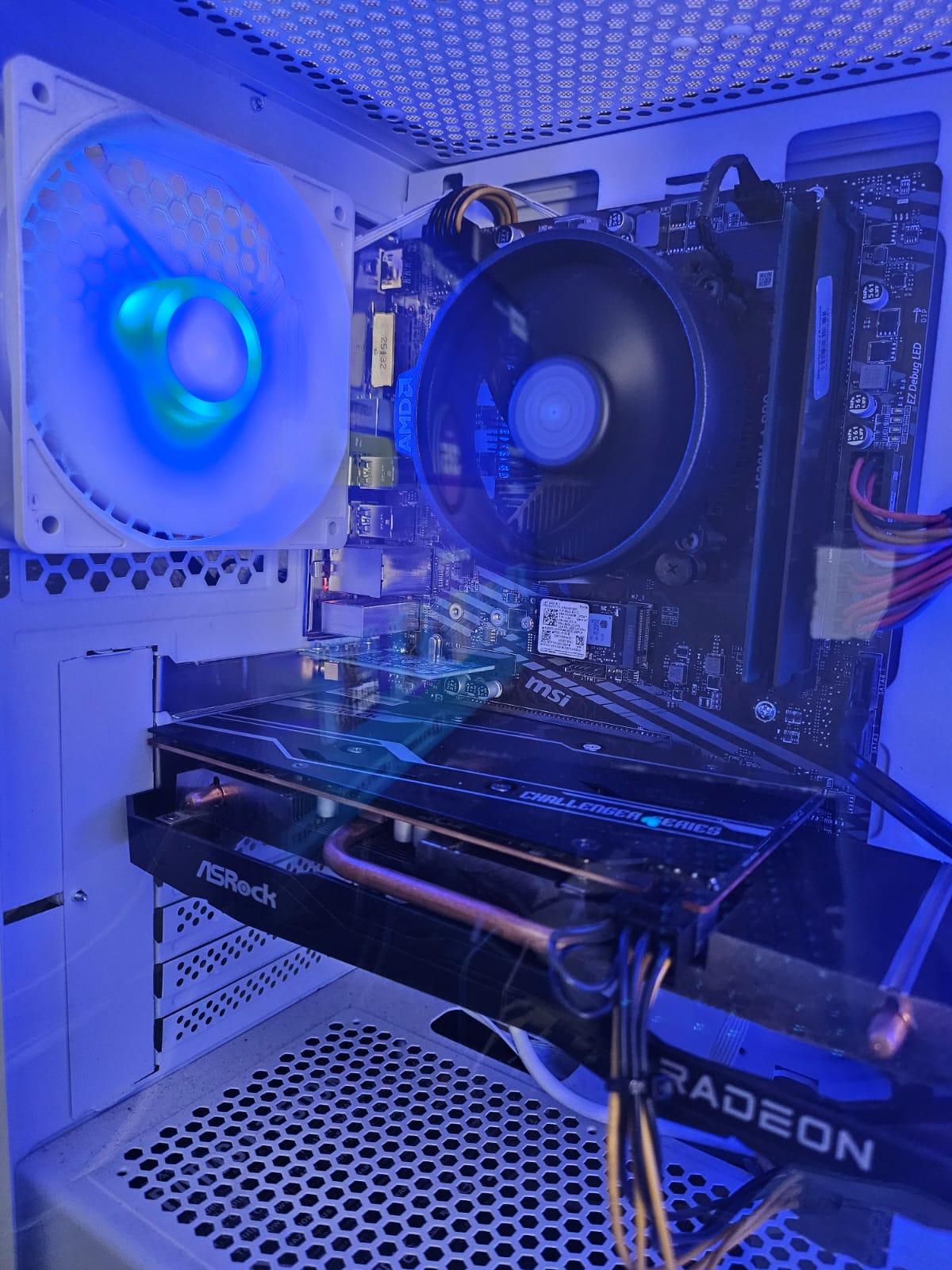
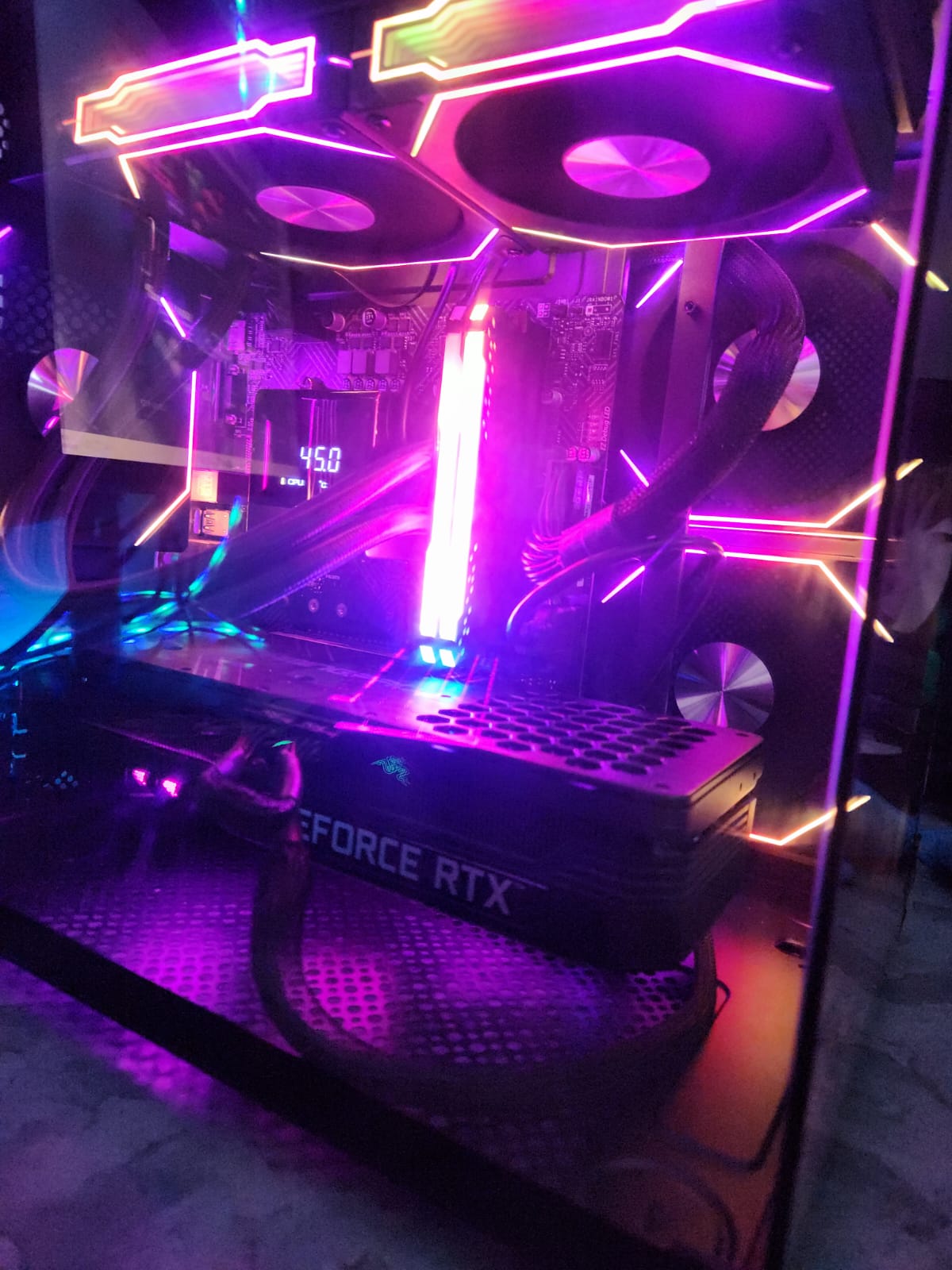
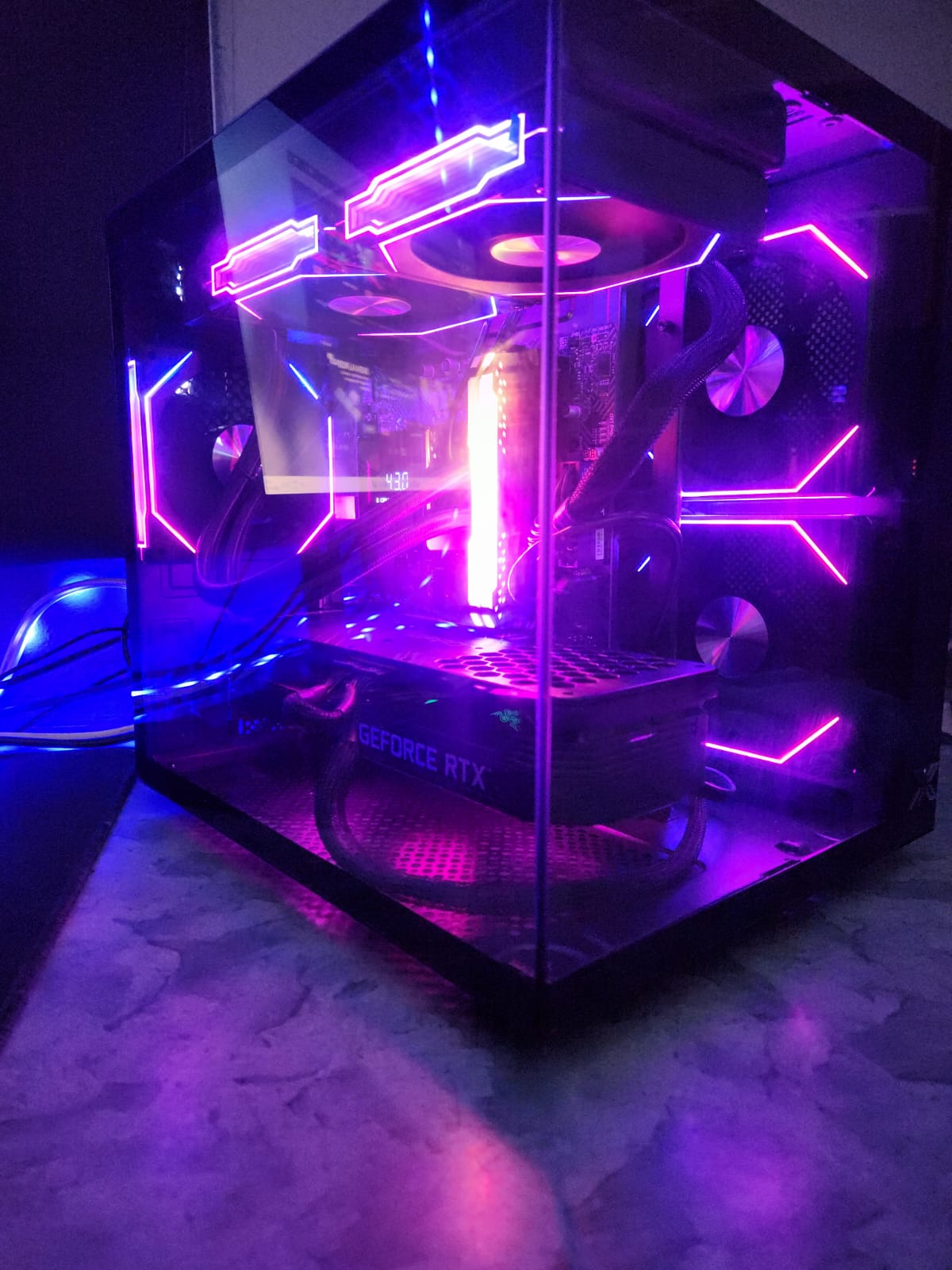
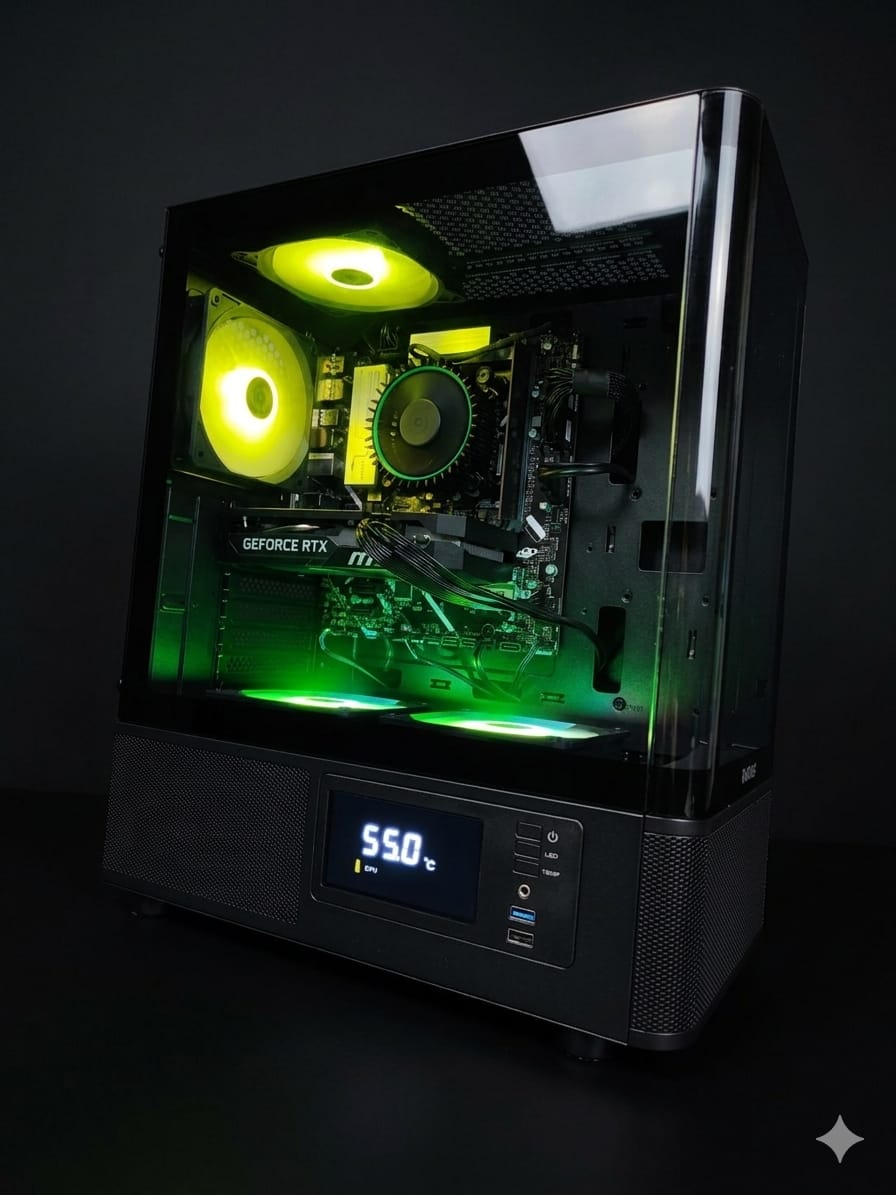
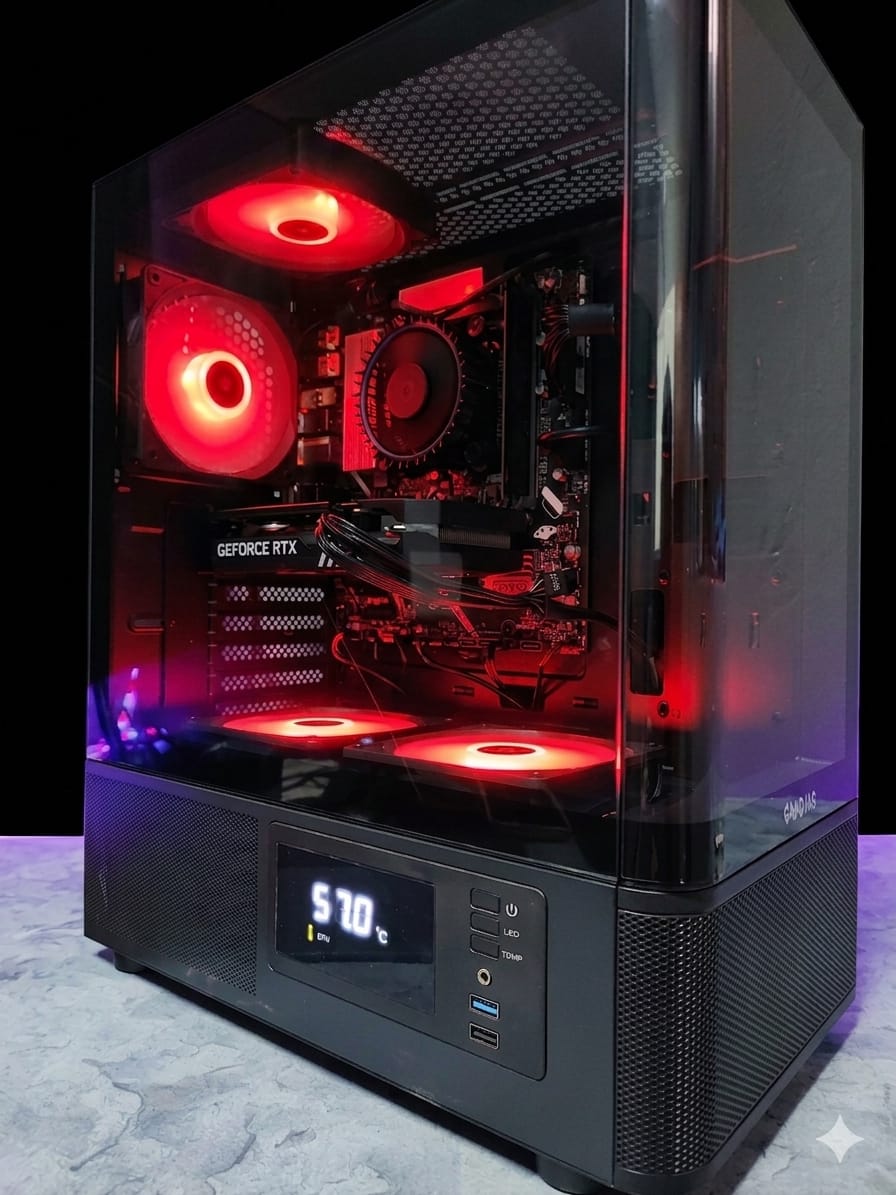
Refurbished Ryzen 5 5500 16GB DDR4 MSI A520M-A Pro RTX 3060 Ti 512GB NVMe Deepcool 500 Watt Gaming PC
R10000,00

- Order now and your order ships by Tue, Mar 12
Need Help? Chat with an Expert
- 123 4567 890
Money Back Guarantee
Secure Payment
Overview
Component Specifications
These are the known, general specs of the major parts in the system.
| Component | Typical Specs & Capabilities |
|---|---|
| CPU: AMD Ryzen 5 5500 | • 6 cores, 12 threads. • Base clock ~ 3.6 GHz, boost up to ~ 4.2 GHz. • 65 W TDP. • Lacks integrated graphics. • Supports dual-channel DDR4 memory; official DDR4-3200, often overclocked beyond. |
| Motherboard: MSI A520M-A PRO | • Socket: AM4, supports Ryzen 5000 / 5000G / 4000G / 3000 / 3000G series. • DDR4, two DIMM slots, up to ~ 64 GB. • Supports M.2 NVMe (Turbo M.2) slot (PCIe Gen3 ×4) for SSD. • PCIe x16 slot (Gen3) for GPUs. • Other ports: several USB ports, SATA ports, etc. Basic but sufficient for mid-range builds. |
| GPU: NVIDIA RTX 3060 Ti | • Based on Ampere architecture. • Around 4864 CUDA cores. • 8 GB GDDR6 memory, 256-bit interface. • Typical boost clock ~1.65-1.70 GHz (varies by board/vendor). • Power draw ~200 W in heavy loads. |
| Storage: 512 GB NVMe SSD | Will use the motherboard’s PCIe 3.0 ×4 M.2 slot. Speeds likely in the range of ~2.0-3.5 GB/s sequential reads, depending on the SSD’s quality. Actual performance depends heavily on wear, firmware, and how full the drive is. |
| RAM: 16 GB DDR4 | Usually 2×8 GB, dual channel. Speed may be stock (e.g. DDR4-3200 or lower) depending on what was used. Timings also matter. |
| PSU: Deepcool 500 W | As new, this is somewhat tight but potentially workable, depending on PSU efficiency & quality. The PSU must be able to provide clean, stable power (especially +12V rails) given the GPU’s ~200W draw plus CPU, motherboard, drives, fans. |
Refurbished Version: What Changes / What to Expect
Because this is a refurbished build (i.e. used / reconditioned), there are additional aspects to factor in. These will affect reliability, performance consistency, lifespan, and user experience.
Possible Degradation / Risks
-
Thermal Compound / Cooling Degradation
-
Stock paste may have dried up, cooling surfaces may have been not cleaned. This can increase CPU / GPU temperatures by several degrees under load.
-
Fans might be worn, bearings possibly noisy, dust in heatsinks.
-
-
Component Wear
-
GPU may already have been under load for many hours. Could have wear on fan, thermal pads, solder joints.
-
SSD may have used some of its write cycles; performance could degrade somewhat, especially in sustained writes. SMART data will be useful.
-
Capacitors on motherboard or PSU may have degraded due to heat, cycling.
-
-
Power Delivery / PSU Age
-
A used PSU, especially one not of premium build, may have reduced capacity or be less stable. Peak +12 V power may sag.
-
This is especially critical under spike loads (GPU demanding, CPU power draw).
-
-
Motherboard Firmware / BIOS
-
Might have older BIOS that lacks minor improvements or bug fixes. Possibly may need BIOS update, which sometimes require a compatible CPU present to update.
-
Also phantom errors from wear on slots / connectors.
-
-
Warranty & Support
-
Likely shorter, possibly limited (return window may be small). Seller may disclaim some issues.
-
Refurbished parts sometimes sold as-is, so you bear more risk.
-
What Should Be Checked / Tested
To ensure the system is in good condition, the following checks are especially important:
-
Temperatures under load (CPU & GPU) – use a stresstest and monitor temps. If unusually high, check cooling.
-
Stability under stress – run CPU stress test (Prime95, stress on all cores), GPU stress (3DMark, Unigine, etc).
-
Memory test (MemTest86 or similar) to catch any RAM errors.
-
SMART data on SSD – check health, used write cycles, reallocated sectors.
-
Voltage stability – monitor PSU +12 V, +5 V rails if possible. Also check for coil whine / electrical noise.
-
Physical inspection – any signs of damage, bent pins (CPU socket), dirty dust, damaged heatsinks or fans.
-
Firmware / BIOS status – check if up to date; check for settings like memory XMP/DOCP, fan curves etc.
Expected Performance (Assuming Reasonably Good Refurb)
If everything is in decent shape (cooling works, PSU holds up, firmware fine), here’s how this system is likely to perform:
| Scenario | What You Should Be Able to Do |
|---|---|
| 1080p Gaming | Very strong. Most modern games (AAA titles) will run at high to ultra graphics settings with solid frame rates (60-120+ fps depending on game). DLSS (if available) will help further. |
| 1440p Gaming | Good performance. You’ll likely need to dial down to medium/high in some very demanding scenes or games. Ray tracing will be more challenging, might require DLSS or lowering some RT features. |
| 4K / High Refresh Monitors | Less ideal. The GPU starts to struggle at 4K at high settings. If you accept medium settings or use upscaling technologies, might be usable. But heat, PSU load, and GPU temperature will be more critical. |
| Content Creation / Productivity | Good. Tasks like photo-editing, moderate video editing, 3D rendering (non-extreme) will be handled reasonably well. For long renders or 8K editing, the CPU’s 6 cores might limit speed vs higher-core count CPUs. |
| Multitasking | Very manageable. 16 GB RAM is sufficient for typical multitasking (browser tabs, Office, some streaming). But heavy multi-application loads might push RAM usage; + more would give headroom. |
Overall Evaluation for a Refurbished Build of These Specs
If you buy a well-refurbished version of this system (where the refurbisher has done good work), here’s how it stacks up:
-
Value proposition: Strong. You get close to high-mid performance for a lower price than new.
-
Reliability: More unknowns. If cooling, PSU, and component wear are acceptable, it should last several years for moderate usage. But more risk than new.
-
Upgradability: Some. You can upgrade RAM to 32 GB, add another SSD or larger storage. But GPU upgrades in the future may stress PSU, and motherboard limits mean you won’t get all new features (e.g. PCIe 4.0/5.0, newer CPU architectures) without replacing board/CPU.
-
Suitability: Good for gamers who want high performance at 1080p/1440p, content creators on a budget, or general users who want solid multi-tasking. Less ideal if you want top performance, heavy overclocking, or future-proofing at very high levels.


Reviews
There are no reviews yet.